
Your library on your Android device
Connect the companion app to a Live Or Die Baby server on the same network or through a securely configured remote address.
- Install the APK. Download it only from the official website and allow installation from your browser when Android asks.
- Enter the server address. Use the address shown by your server, such as
http://192.168.1.50:8098. - Sign in. Use an account created on the server.
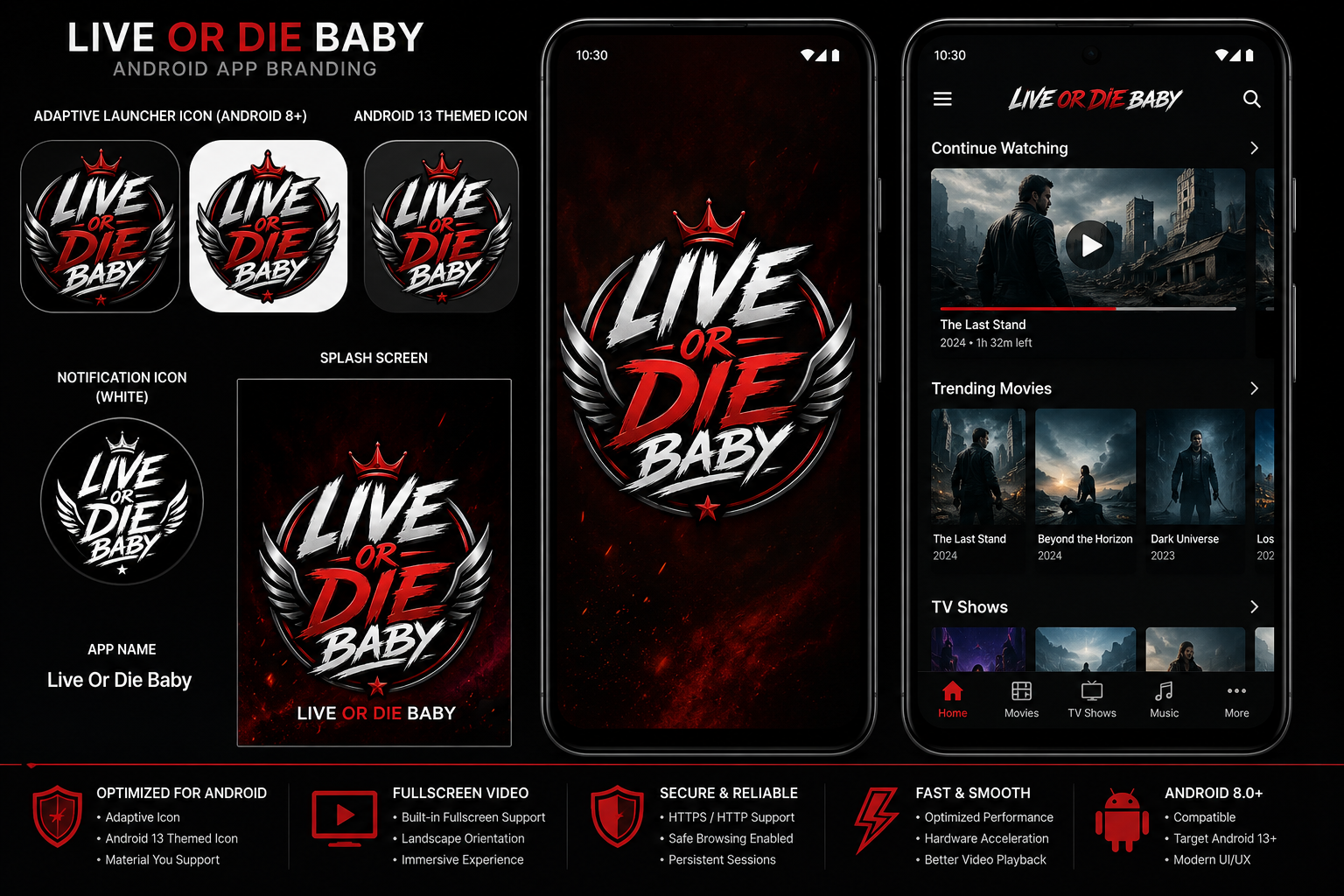
- Browse and play. Open Home, Movies or TV Shows and tap a title.
- Use playback controls. Seek, rewind, fast-forward and resume supported items.
- Cast when available. Tap the Cast icon, choose a device and start playback.
Connection checklist
Same Wi-Fi
Phone and server should be on the same local network for initial testing.
Correct port
Use the exact server port and allow it through Windows Firewall.
HTTP or HTTPS
Match the server configuration. Do not type HTTPS unless it is configured.
Remote access
Use a VPN or properly secured reverse proxy rather than exposing the server directly.