Your media.
Your server.
Your way.
Run LODB on your own server, then enjoy your authorised library through the Windows Desktop Player or Android. The dedicated iPhone and iPad app is still coming soon.
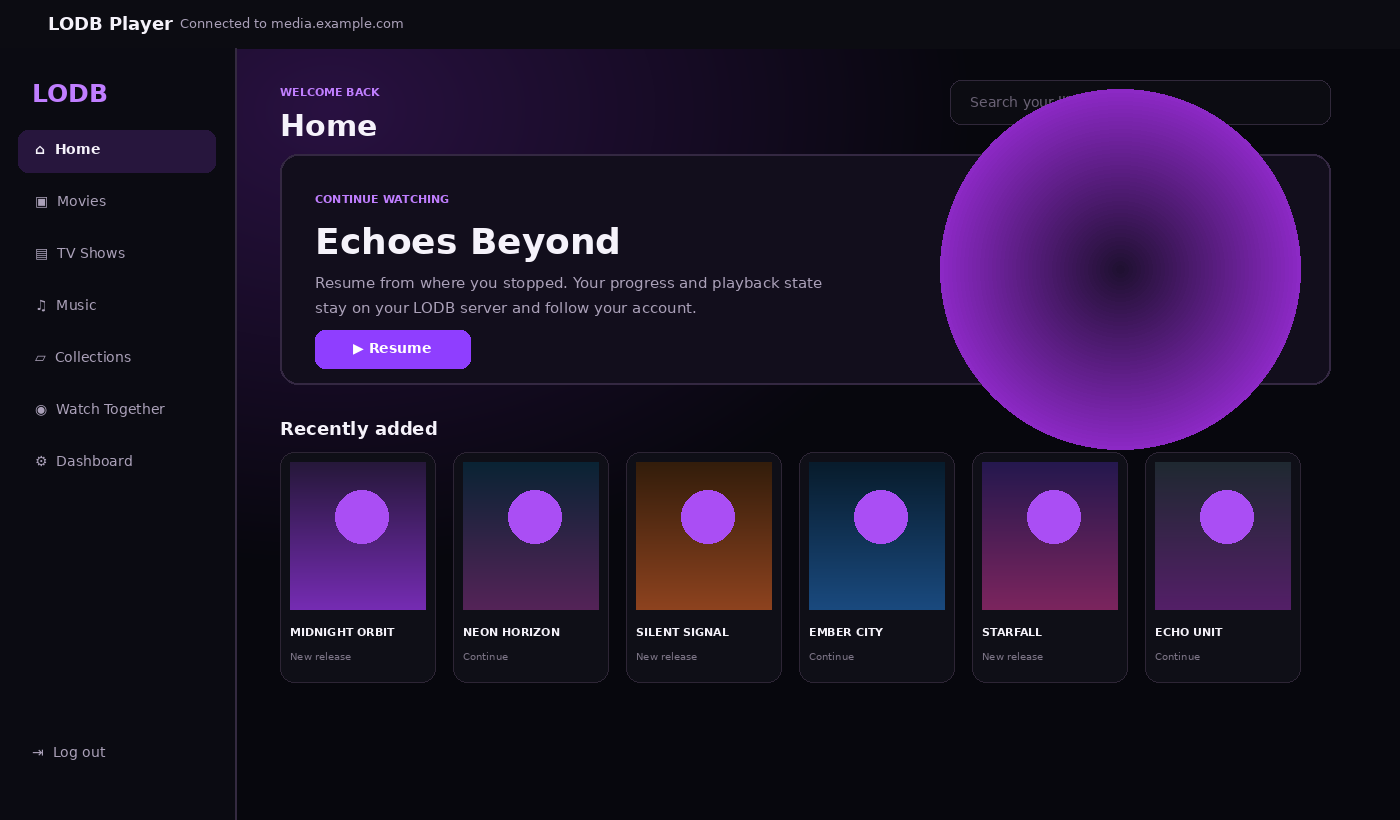
Connect by IP, PC name or domain
One server. The tools you actually use.
The server owns your library, accounts, playback state and permissions. Your clients connect back to it instead of keeping separate copies of your media catalogue.
Live library scanning
New media can appear and become playable while a scan is still running instead of waiting for the entire library.
Playback that adapts
Original Direct Play first, then Direct Stream or transcoding only when compatibility requires it.
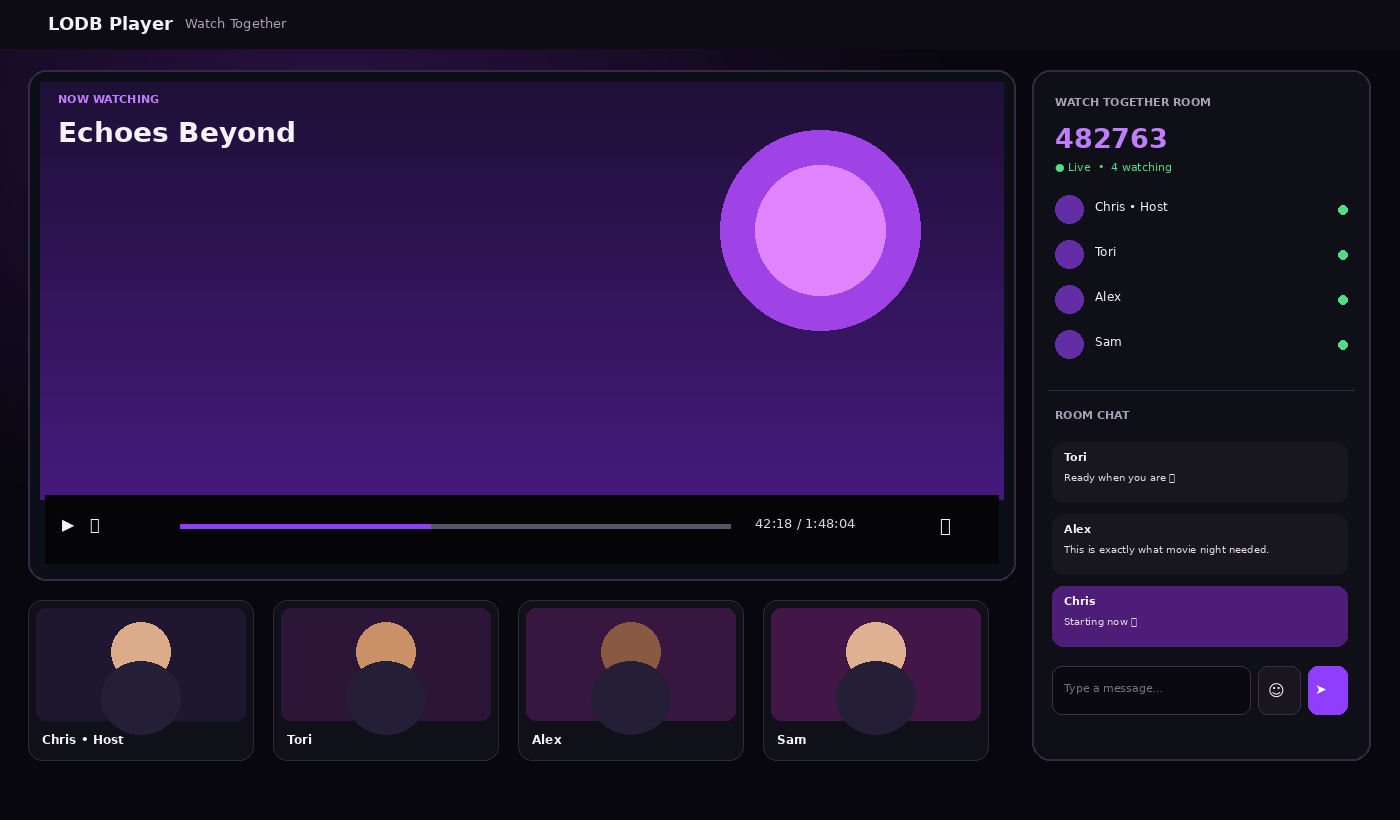
Watch Together
Private room codes, synchronised playback, chat and optional camera/microphone support in compatible clients.
Your server, your data
Your media stays on storage you control. Users, metadata and playback history remain server-side.
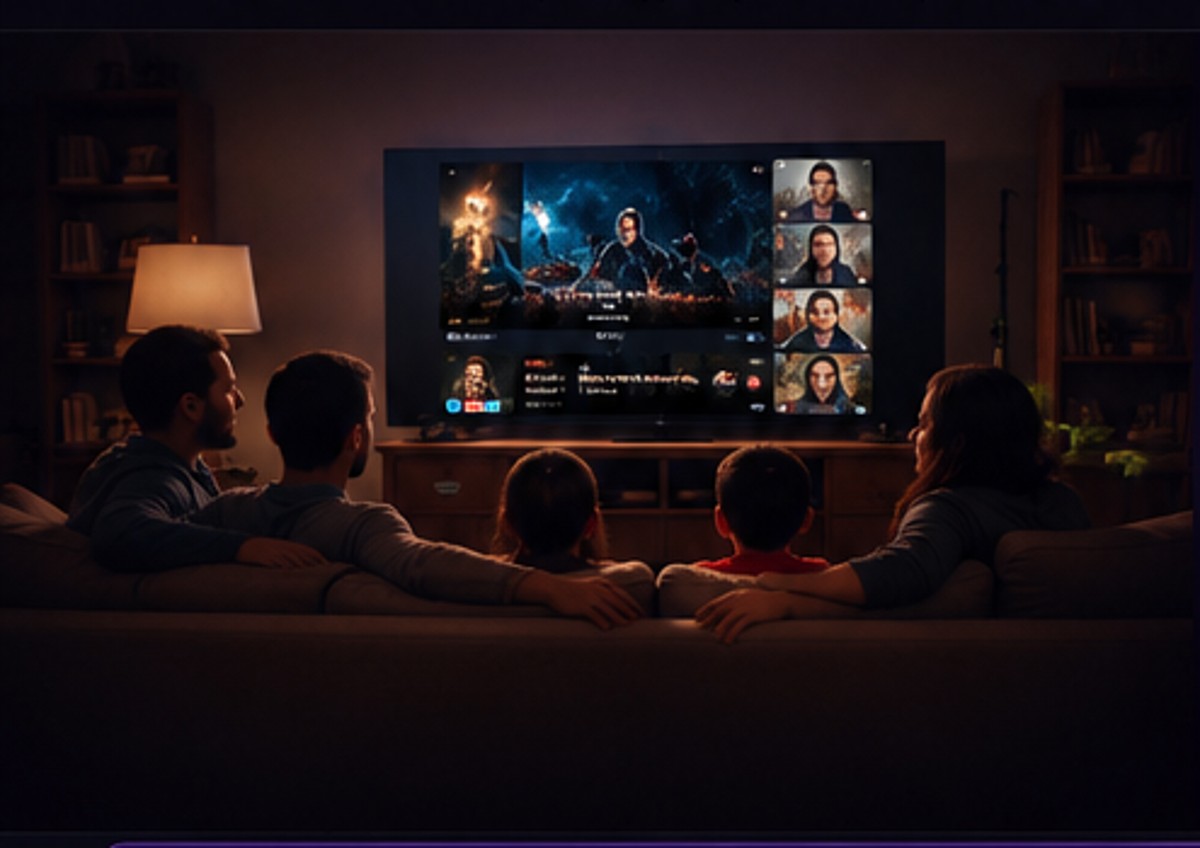
The movie nights that became Watch Together.
During the pandemic in 2020, when we were stuck at home, movie night became one of the ways my family stayed connected. We all wanted to watch the same film, but the only practical way to talk while we watched was to keep a Skype call open and try to press play at the same time.
We would count down, pause when somebody fell behind and try to keep everyone on the same scene. It worked — and it gave us some brilliant family nights during a difficult time — but it also made me think there had to be a better way.
Windows Desktop + Android. iOS is next.
The client lineup is deliberately simple: Windows Desktop Player, Android now, and iOS coming soon.
Android
Connect phones and tablets to your own LODB server, browse authorised libraries and keep playback state tied to your account.
Available nowiPhone & iPad
The dedicated iOS application is still in development. The website does not claim that it is available yet.
Coming soonWindows, Linux or Docker.
Choose the server platform that owns your library. Under Docker, the dedicated UGREEN DXP4800 Plus image is available as its own direct download.
Run LODB in Docker with persistent data and media mappings. Docker setup information is provided below; there is no general Docker download button.
Dedicated Docker image for the UGREEN DXP4800 Plus.
LODB Desktop Player.
Install the Desktop Player on any Windows PC you want to use for viewing — it does not need a local server installation.
LODB Desktop Player RC12 x64 Installer
Connect using the server's LAN IP, computer name or HTTPS domain.
↓ Download Desktop Player InstallerHow to use the player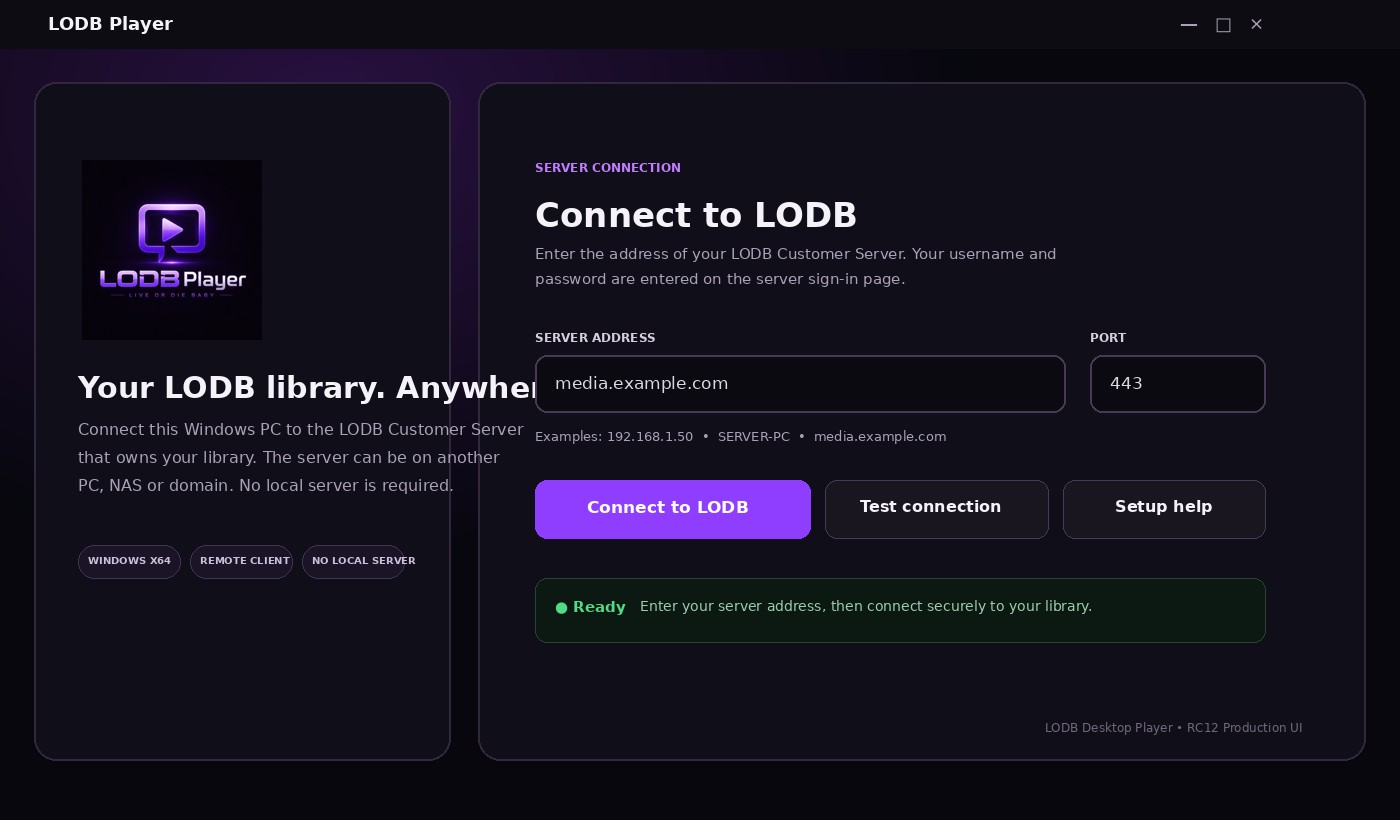
Build your own private media home.
Start with Windows, Linux or Docker — including UGREEN DXP4800 Plus — then connect the Desktop Player or Android.